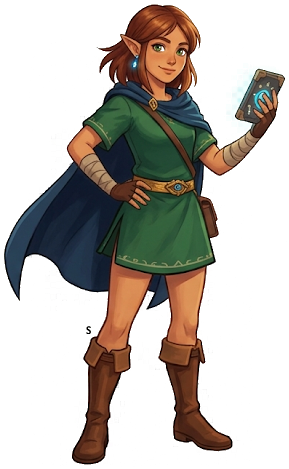
Link — Twilight Princess
Amiibo| Series | The Legend of Zelda |
| Exclusive Reward | Tunic of Twilight (full set) |
| Cooldown | 24 hours (real time) |
| Common Drops | 5 |
Link — Twilight Princess
About This Amiibo
Link from Twilight Princess HD depicted in the darker Hylian Knight design unique to that era. Provides the Tunic of Twilight armor set evoking the shadowy Twilight Realm aesthetic from the 2006 title. The set offers moderate defense with a visually distinctive dark palette that contrasts sharply with the brighter designs of newer Zelda entries.
Exclusive Reward
Tunic of Twilight (full set)
Only obtainable from this amiibo figure
Common Rewards
| # | Item | Type |
|---|---|---|
| 1 | Royal Broadsword | Weapon/Shield |
| 2 | Royal Shield | Weapon/Shield |
| 3 | Arrow x10 | Ammunition |
| 4 | Topaz | Gem/Ore |
| 5 | Raw Prime Meat | Food |
How to Use This Amiibo
- Open the ability wheel and select the amiibo rune.
- Place the Link — Twilight Princess figure (or NFC card) on the NFC reader on your controller.
- Items will spawn in a treasure chest and scattered on the ground nearby.
- The exclusive reward (Tunic of Twilight (full set)) appears in the chest. Common drops appear loose.
- Cooldown: 24 hours (real time) before you can scan again.
Tips & Strategy
Drops the dark Twilight Princess tunic — a fan-favorite cosmetic set. The armor has moderate defense but the visual appeal is the main draw.
Save-Scumming for Better Drops
- Save your game before scanning the amiibo.
- Scan the amiibo and check the chest.
- If you did not get the desired exclusive reward, reload your save.
- Scan again. Drops are re-rolled each time you load.
- Repeat until you get the Tunic of Twilight (full set).
Other The Legend of Zelda Amiibo
Related Guides
The Legend of Zelda: Tears of the Kingdom
Nintendo Switch — pick up your copy on Amazon
Affiliate disclosure: Hyrule Archive may earn a commission from purchases made through Amazon links on this site at no extra cost to you.